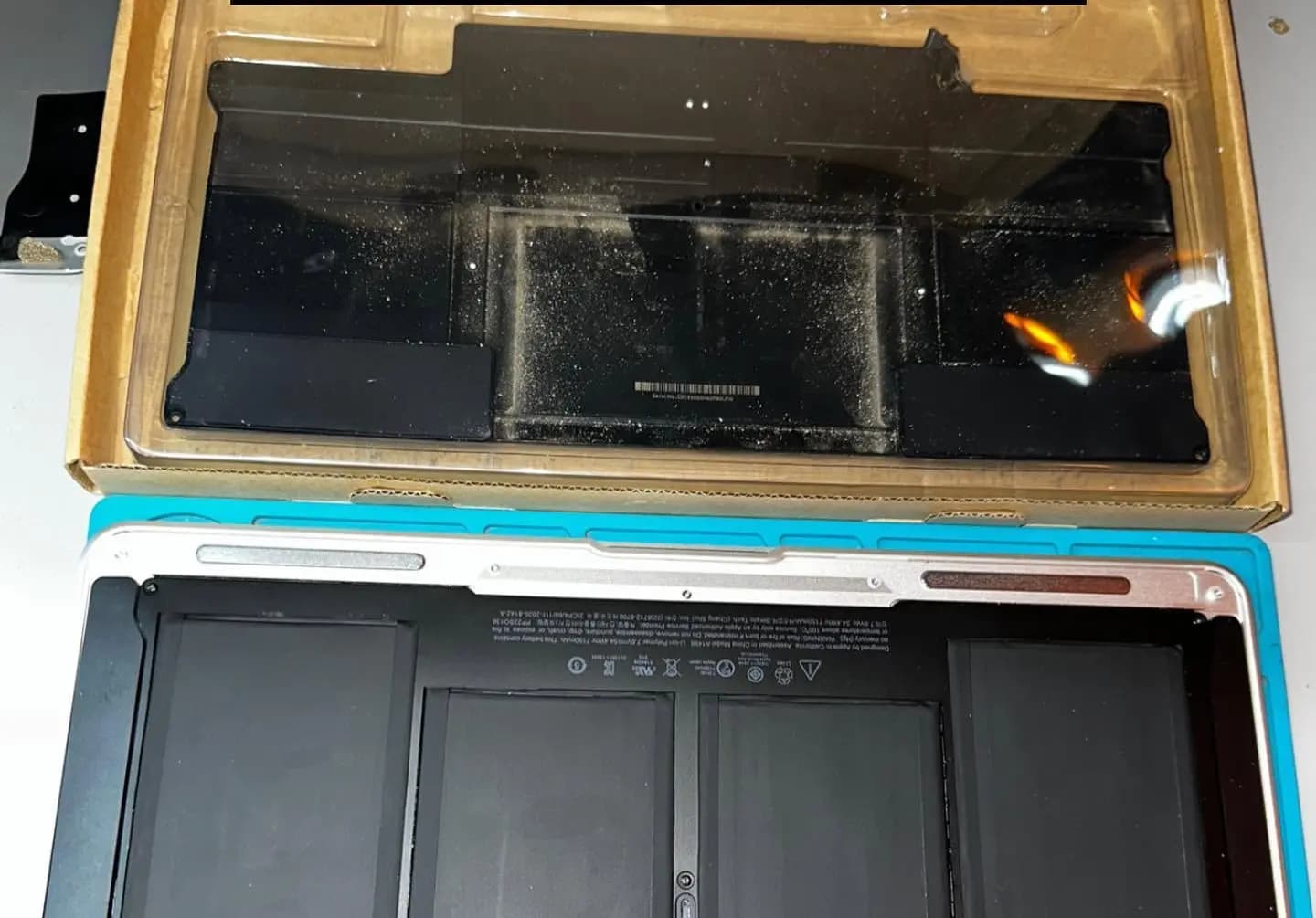
Sound familiar?
- The charge lasts one or two hours with normal use.
- "Service Recommended" or "Replace Now" appears in the battery status.
- Shuts down suddenly even with charge, or only works plugged in.
- The trackpad lifted or the bottom cover is bulging (swollen battery).
What we check
- Real battery health, charge cycles and cell voltage.
- That the drain is not caused by another fault: charger, charging circuit or logic board.
- If swollen, that it did not damage the trackpad, keyboard or chassis.
Diagnosis with a fee that is credited toward the repair. We inspect the device to find the fault. If you approve the repair, the diagnosis fee is credited toward the total.
What the service includes
- A new battery matched to your exact model (A-number), with quality cells.
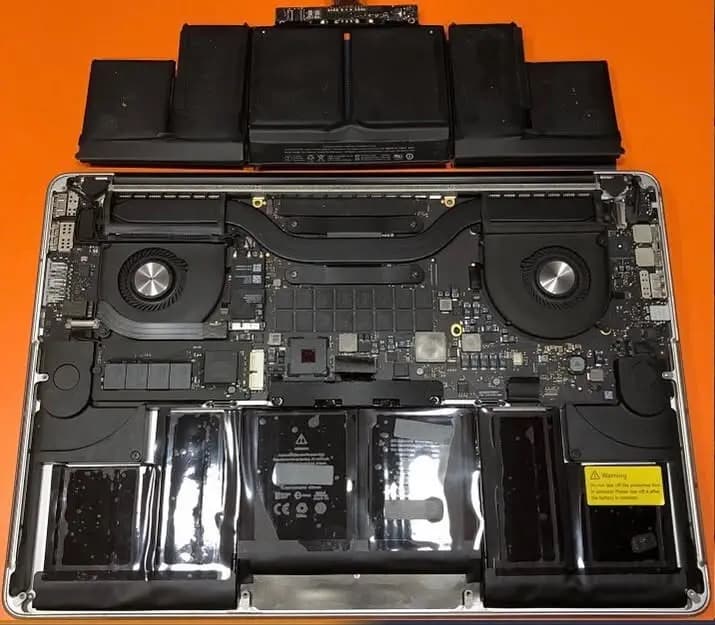
- Safe removal of the old battery and its adhesive, without damaging the chassis or trackpad.
- Initial calibration and charging, cycle and temperature tests when done.
Estimated time
Usually done the same day when we have the battery in stock; we confirm timing when we receive the device.
Warranty
3-month written warranty on the part and its installation.
Frequently asked questions
How do I know if my MacBook needs a battery?
Apple menu → About This Mac → System Report → Power: check cycle count and condition. Over 1000 cycles or "Service Recommended" means it is time. If in doubt, bring it in and we measure it.
What if the battery is swollen?
Stop using and charging it. A swollen battery can damage the trackpad and cover; we remove it safely and check for other damage.
Do I lose my data?
No. A battery replacement does not touch the drive. We recommend a Time Machine or iCloud backup anyway.
What warranty does it have?
A 3-month written warranty on the battery and its installation.