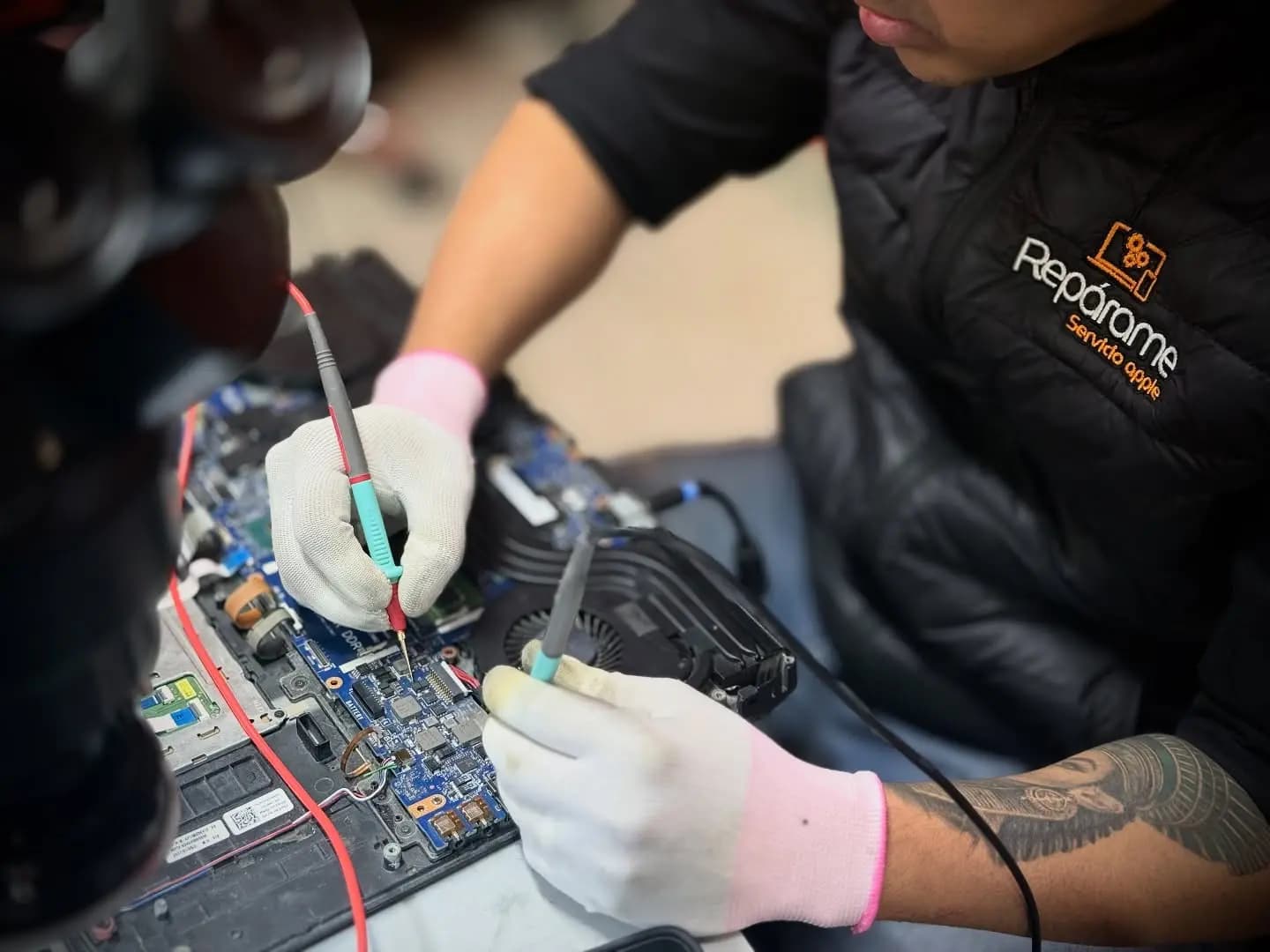
Sound familiar?
- No LED lights up, even with the charger connected.
- The charge LED lights up, but pressing the power button does nothing.
- It powers on (fans, lights) but the screen stays black.
- Turns on for a second and shuts down, or reboots in a loop.
- Stopped turning on after getting wet, a drop or a power outage.
What we check
- Before bringing it in, try this: plug in the charger for 10 minutes, hold the power button 15 seconds with the charger connected and check the charger LED is on. If nothing changes, keep reading.
- Charger and connector: actual voltage and jack condition (the most common and cheapest cause).
- Battery: whether the machine powers on without it or if it is shorted.
- Motherboard: power rails, power-on circuit and shorts, with measurement equipment.
- If it powers on without image, the path changes: screen, video cable or graphics chip.
What the service includes
- Lab diagnosis with schematics and board measurement; we tell you what is failing and what is not.
- Repair of what was damaged: connector, charging or power-on circuit, or component-level motherboard repair.
- Your drive and data stay in the device: we do not replace the whole motherboard.
- Power-on, charging and load tests before delivery.
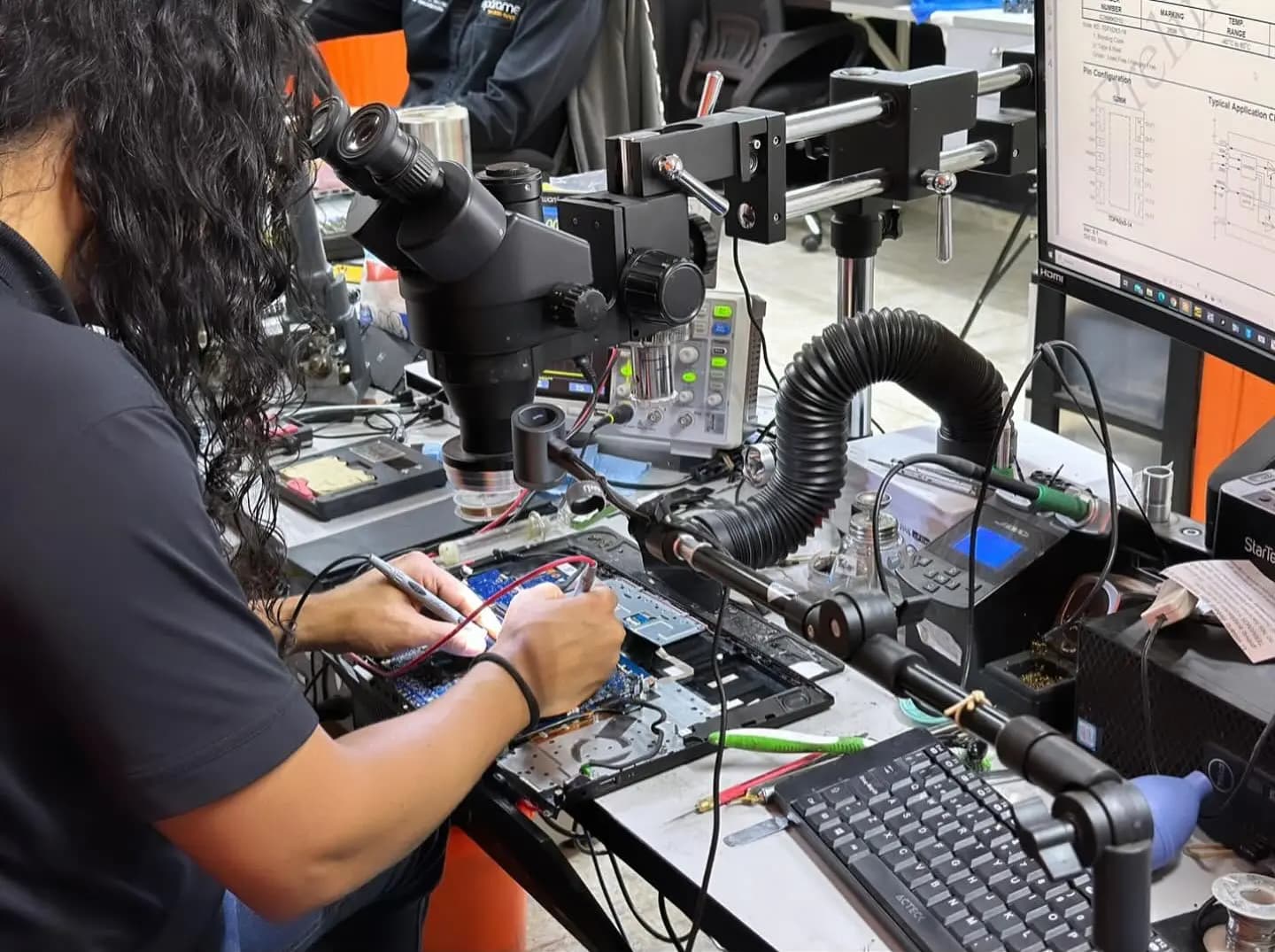
Estimated time
If it is the charger, connector or battery, usually done the same day; if the fault is on the motherboard, we give you timing after diagnosis.
Warranty
6-month written warranty on the electronic repair.
Frequently asked questions
My laptop won’t turn on, what do I do before bringing it in?
Plug in the charger and wait 10 minutes; then hold the power button 15 seconds with the charger connected. Check the charger LED is on and try another wall outlet. If the battery is removable, take it out and power on with the charger only. If nothing changes, bring it in: repeated attempts can worsen a short.
Did it get wet before it stopped turning on?
Then do not turn it on again: every attempt with liquid inside damages more components. It is a lab corrosion-cleaning case; we have a page with what to do in the first minutes and how it is repaired.
Is it the motherboard? How much does it cost?
We do not know until we measure it, which is why we do not quote by guessing. The diagnosis has a fee we confirm on WhatsApp and it is credited toward the total if you repair with us. Many "dead" laptops are just the charging connector or the battery.
Will I lose my files?
Almost never. The drive does not depend on the laptop turning on. Even if the motherboard cannot be repaired, your files are usually rescued to another drive or your new laptop.
Do you repair gaming laptops and MacBooks that won’t turn on?
Yes, and they have their own pages because the fault is approached differently: high-power chargers on gaming laptops, logic board on MacBooks. Find them under related repairs.
What warranty does it have?
A 6-month written warranty on electronic motherboard repairs; 3 months on parts such as the charging connector or battery and their installation.